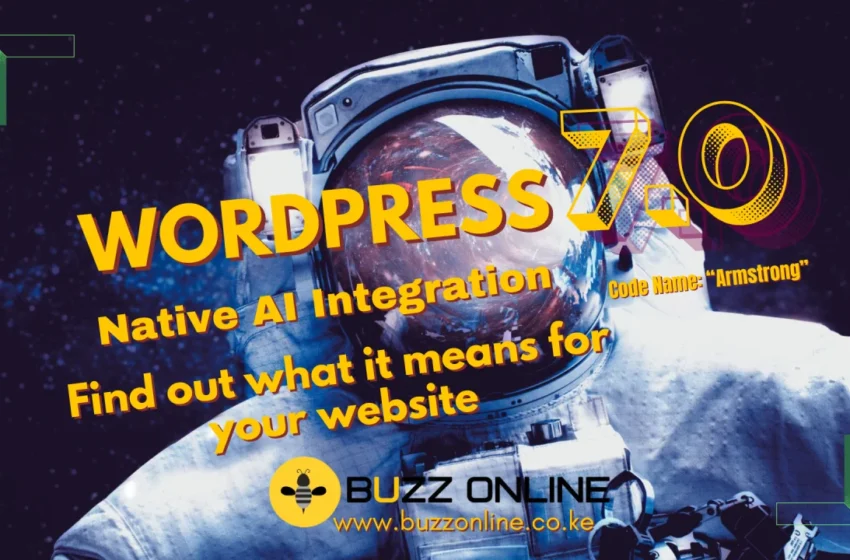
WordPress 7.0, codenamed “Armstrong,” officially launched on May 20, 2026 and it’s the most significant update the platform has seen in years. If your website runs on WordPress (and a huge portion of the internet does), this release affects you directly. Here’s what actually changed, what got cut, what’s broken in the wild, and what you should do before hitting the update button.
The Headline: Native AI Is Now Built Into WordPress
The biggest story in WordPress 7.0 isn’t a redesigned dashboard or a new theme. It’s that WordPress has embedded a full AI framework directly into the core platform, all without locking you into any single AI provider like OpenAI or Google. Four new building blocks make this possible:
- WP AI Client: A central interface that lets any WordPress plugin communicate with AI models without building separate integrations for each one. Your plugins no longer need their own AI wiring.
- Client-Side Abilities API: This is where things get quite interesting. AI can now take actions inside WordPress like navigating the admin panel, inserting blocks, and running commands, instead of just generating text outside it.
- AI Connectors Screen: One central place under Settings > Connectors to manage all your AI providers and API keys. No more keys scattered across a dozen plugin settings pages.
- Connectors API: The technical backbone that standardizes how WordPress recognizes and communicates with external AI services, and sets the foundation for even deeper integrations in future releases.
Think of this not as “WordPress added an AI chatbot.” Think of it as WordPress building the infrastructure for AI-driven workflows in publishing, SEO, site design, and automation, and then opening that infrastructure to the entire global developer community to build on.
What Got Cut: Real-Time Collaboration Is Out
The feature everyone expected to define WordPress 7.0, real-time Google Docs-style multi-user editing, was pulled from the release entirely. WordPress lead Matt Mullenweg was candid about why:
“Not confident the current approach is robust enough to include in Core at this time, citing concerns around surface area, race conditions, server load, memory efficiency, and recurring bugs found through fuzz testing.”
The RC3 release notes confirmed it plainly: real-time collaboration will be re-evaluated during the 7.1 release cycle. Note: re-evaluated, not guaranteed. Given WordPress’s roughly four-month release cadence, the earliest realistic arrival is late 2026 — and possibly 2027.
What did ship as a consolation is block-level Notes. These are single-user comments on blocks with @mention notifications. Useful, but not the same as live co-editing feature.
Is It Stable? What the Testing Shows
The short answer: yes, more stable than previous major releases precisely because the problematic collaboration feature was cut. The WordPress community ran extensive testing through five release candidates, and one independent agency (365i) published real-world RC5 results worth noting:
- 17 AI Abilities registered without issues
- Elementor 4 edits cleanly
- Multiple popular plugins (JetEngine, Smart Filters, StackCache) coexisted without errors
- PHP 8.5.6 runs the AI Client without problems
That’s encouraging. But “stable” doesn’t mean “no issues.”
The Real Risk: Plugin Compatibility
This is the part most update guides underplay. The biggest compatibility challenge in WordPress 7.0 isn’t the AI features: it’s the switch from legacy admin list tables to DataViews, a redesigned admin data layer.
Any plugin that adds custom columns, filters, or actions to the old WP_List_Tables will need a compatibility update. That’s a wider category than it sounds because it includes many admin-facing tools, custom post type managers, and anything that touches the Posts, Pages, or Media list views.
The most popular plugins like Yoast, WooCommerce, WPML, ACF and Gravity Forms are expected to be ready. Less-maintained or niche plugins are the ones to watch carefully.
A Timely Warning from the WordPress Community
Just days before 7.0 launched, an unrelated but instructive incident played out in the WordPress ecosystem. A routine update to Shortcodes Ultimate (version 7.5.1, installed on roughly 400,000 sites) triggered a PHP fatal error that caused widespread white screens of death and, critically, WordPress’s own Recovery Mode failed for many affected users. The recovery email arrived, but the link led to a broken login page. The escape route was blocked by the same error.
This wasn’t caused by WordPress 7.0. But it’s a sharp reminder of how plugin updates can cascade into full site outages, and why a staging environment is crucial.
Technical Requirements to Know
Before you update, make sure your hosting environment meets these:
- PHP minimum: 7.2.24 (hard minimum, but older versions won’t auto-update)
- PHP recommended: 8.3 or higher
- MySQL minimum: 5.5.5
- MySQL recommended: 8.0+ or MariaDB 10.6+
Sites on PHP 7.2 or 7.3 should upgrade their PHP version first. Running on outdated PHP doesn’t just create compatibility risks and it’s also a security issue independent of any WordPress update.
Should You Update Now?
That depends on your site type:
Relatively safe to update now if you’ve tested on staging, your plugins are up to date, and you’re on PHP 8.x. The AI features are stable and most well-maintained themes and plugins will be fine.
Wait 2–4 weeks if you’re running a high-traffic site, an active e-commerce store, or you rely on plugins that haven’t published 7.0 compatibility notes yet. Let early adopters surface any remaining issues first.
Don’t update production without testing under any circumstances. Use a staging environment, run through your key site functions, and have a rollback plan ready.
Your Pre-Update Checklist
- Back up everything: files, database, and media library
- Set up a staging site and test WordPress 7.0 there first
- Confirm your PHP version is 7.4+ at minimum (8.3+ recommended)
- Check that all critical plugins have WordPress 7.0 compatibility confirmations
- Pay special attention to any plugin that customises your admin list views
- Test your theme, especially if you’re using a heavily customised setup
- Schedule the update during low-traffic hours
- Keep a rollback plan ready
The Bottom Line
WordPress 7.0 is a genuinely significant release, maybe the most architecturally important in a decade. The decision to cut real-time collaboration rather than ship it broken was the right call, and the AI foundation that shipped instead has far longer legs than any single collaboration feature.
The risks are real but manageable. Plugin compatibility, especially around the new DataViews admin layer, is where most update problems will originate. Test carefully, update on staging first, and you’ll be well ahead of the curve.
Need help upgrading your site to WordPress 7.0 safely?
At Buzz Online, we help businesses navigate major WordPress updates without the headaches. We can audit your plugin stack for compatibility, set up a staging environment, handle the upgrade, and get you set up to take advantage of the new AI features when you’re ready.
Book a free discovery call or DM us directly: +254734669599 to get started.